Private beta · sign-ups open

Make cartoons right in your browser.

Animperia is a 2D animation studio for the web. Draw your own characters and give them pivots, animate them on a real keyframe timeline, sync their mouths to your voice lines and export finished 1080p video. Nothing to install.

  • Draw & rig your own characters
  • Keyframes & motion tweens
  • Automatic lip sync
  • 1080p MP4 export
The whole tour in 70 seconds: a real project, edited in Animperia.

Why Animperia

Built the way animators work.

The tools you know from classic 2D animation software, in a studio that opens in a browser tab and saves every change as you go.

01

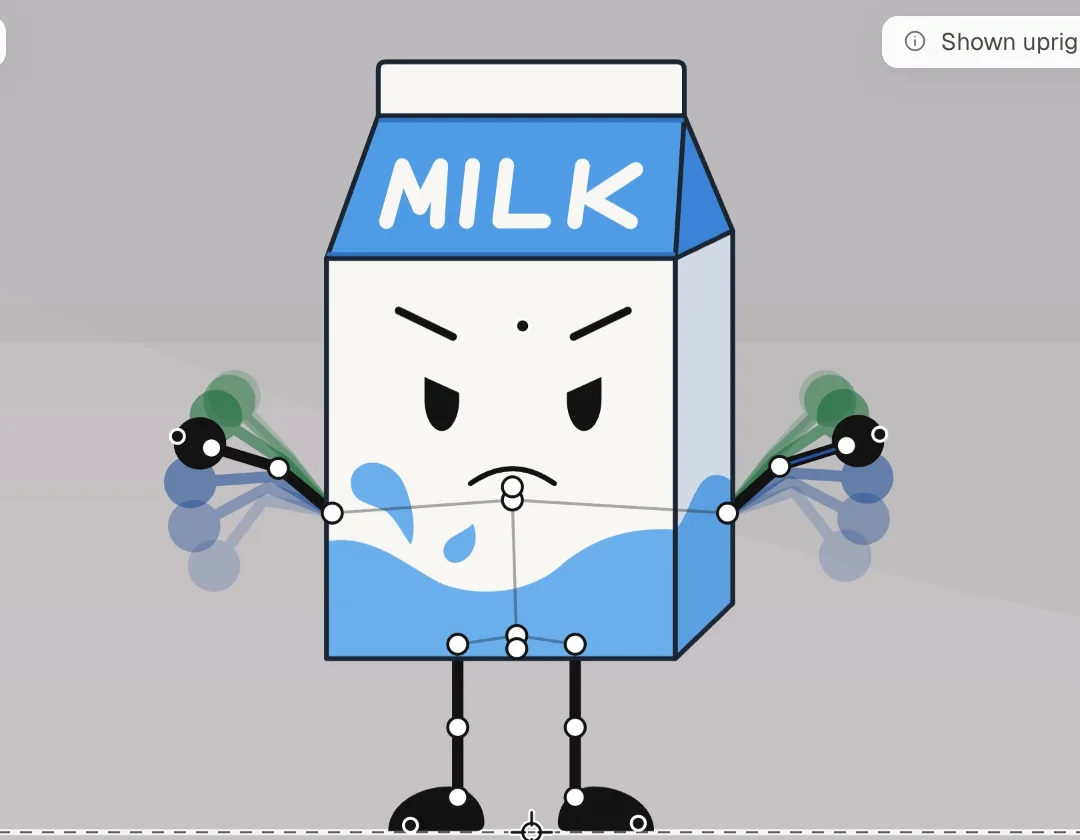
Pose with pivots

Characters come apart into parts that hang from joints. Switch on Pivots and drag a wrist: the elbow bends and the whole arm follows. Drag an ankle to take a step. Save it and the pose becomes the character’s rest pose.

  • Wrists and ankles bend the whole limb
  • Rig characters you draw yourself with the Bone tool
  • Edit in place, with the scene faded around it
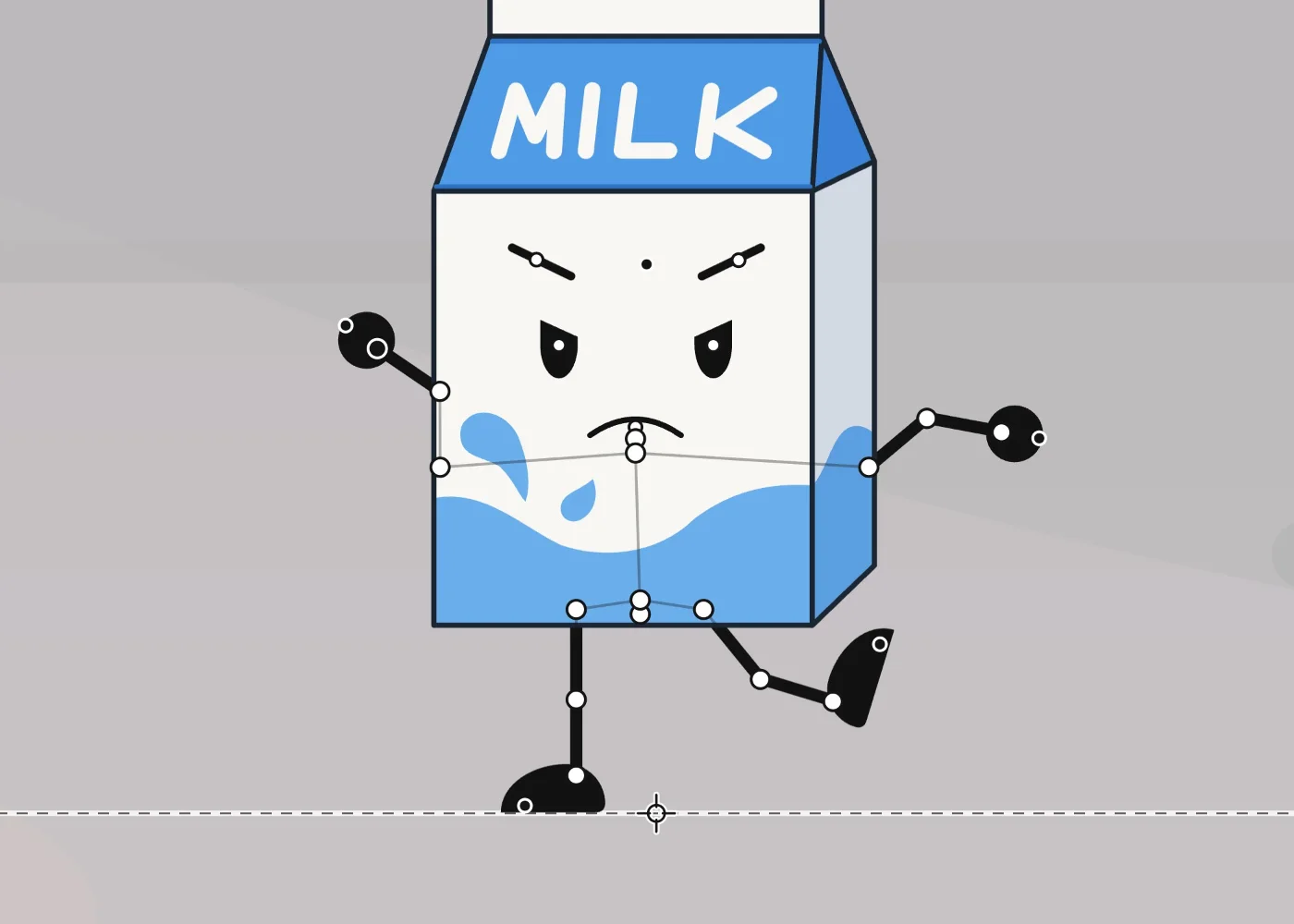
A milk carton character posed by dragging its joints: one arm raised, the other out, one leg kicked, with its pivots showing
02

Frame by frame, with onion skin

Open any animation and its timeline docks under the drawing, one row per body part. The onion skin shows the frames around the playhead, blue before and green after. Re-pose any frame and the in-betweens bend to follow.

  • Keys per part, motion tweens with easing, cycles
  • Shape tweens: reshape a brow on frame 12, the rest morph
  • Several animations play together, like a walk and a blink
The milk carton raising its arms, with blue and green onion-skin ghosts of the frames before and after
03

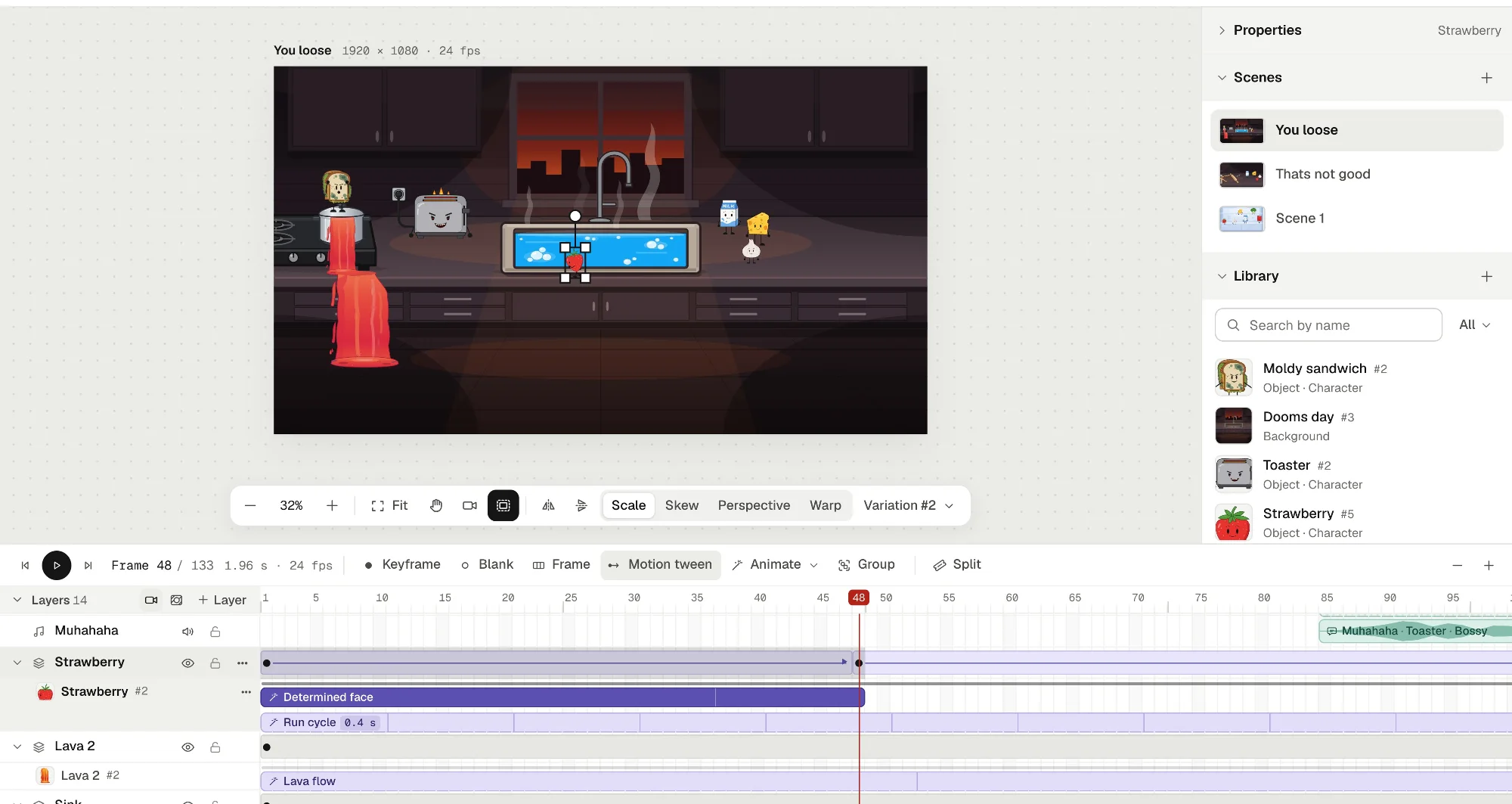
A timeline you already know

Layers, keyframes (F6), blank keyframes, frames, motion tweens with easing, and animation clips you drag and trim right in the row. Turn frames into groups that play like movie clips, add mask layers, and keyframe the camera.

  • Select frames across layers, cut, copy and paste
  • Camera pans, zooms and turns with keyframes
  • Scrub, step frame by frame, play with Enter
The editor with a kitchen scene on the stage and the timeline below: a strawberry's layer with a motion tween and animation clips
04

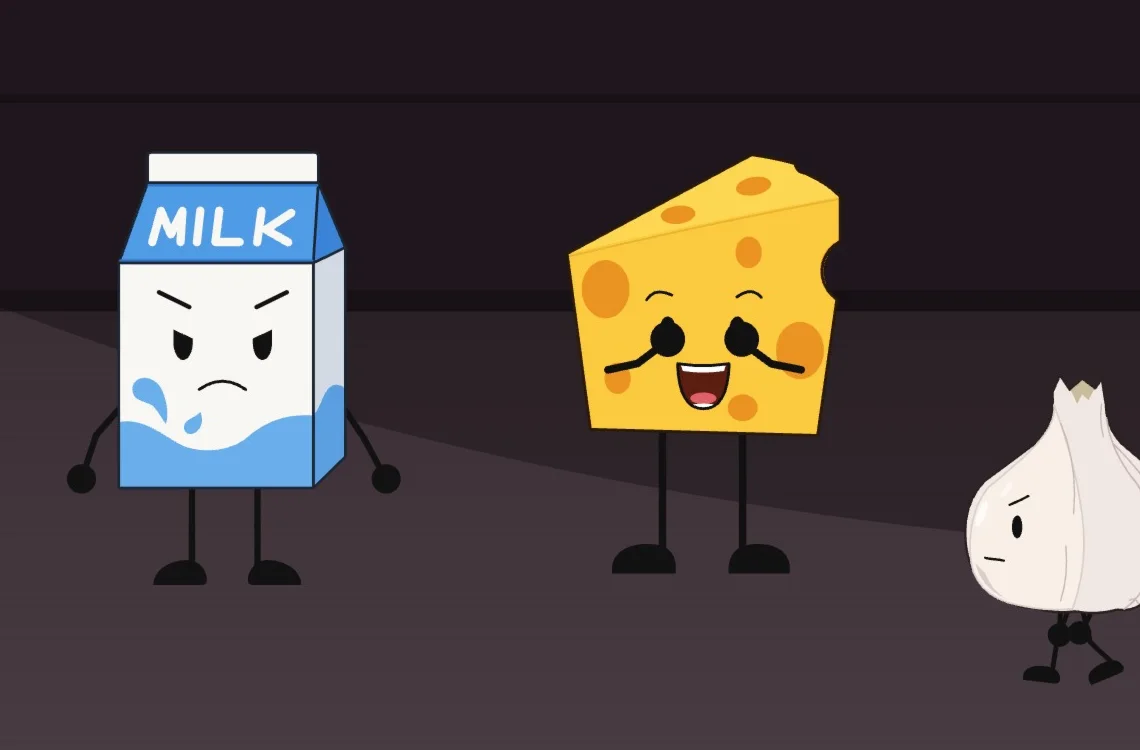
Voices that move mouths

Drop a voice line on a character and its mouth follows the words: on the stage, while you scrub and in the export. Every character can have a voice of its own, so one recording comes out squeaky from the cheese and bossy from the toaster.

  • Automatic lip sync, English or any other language
  • Twelve voice presets plus pitch, size, echo, radio…
  • Mouth shapes you can redraw by hand
Milk, Cheese and Garlic on a kitchen counter; the cheese has its mouth open mid-word

Your own drawings

Draw it, rig it, animate it.

Start from a blank page. Everything you draw in Animperia is vector, and anything you draw can be brought to life.

Draw in vector

Pen, pencil, lines, rounded rectangles, ellipses, polygons, stars, text and a fill bucket. Your characters and props stay crisp at any size.

Give your drawings pivots

Make a drawing a character and connect its parts with the Bone tool: drag from a part to the one that hangs from it, and let go where it should turn. Any body works, with two legs, six or none. Name a part “mouth” and it can talk.

Your art as backgrounds

Upload a sketch or a painting and use it as a background as it is, ready right away. It sits on its own layer at the back, and you can resize or flip it.

Features

Everything in the box.

From the first sketch to the finished video, without switching apps.

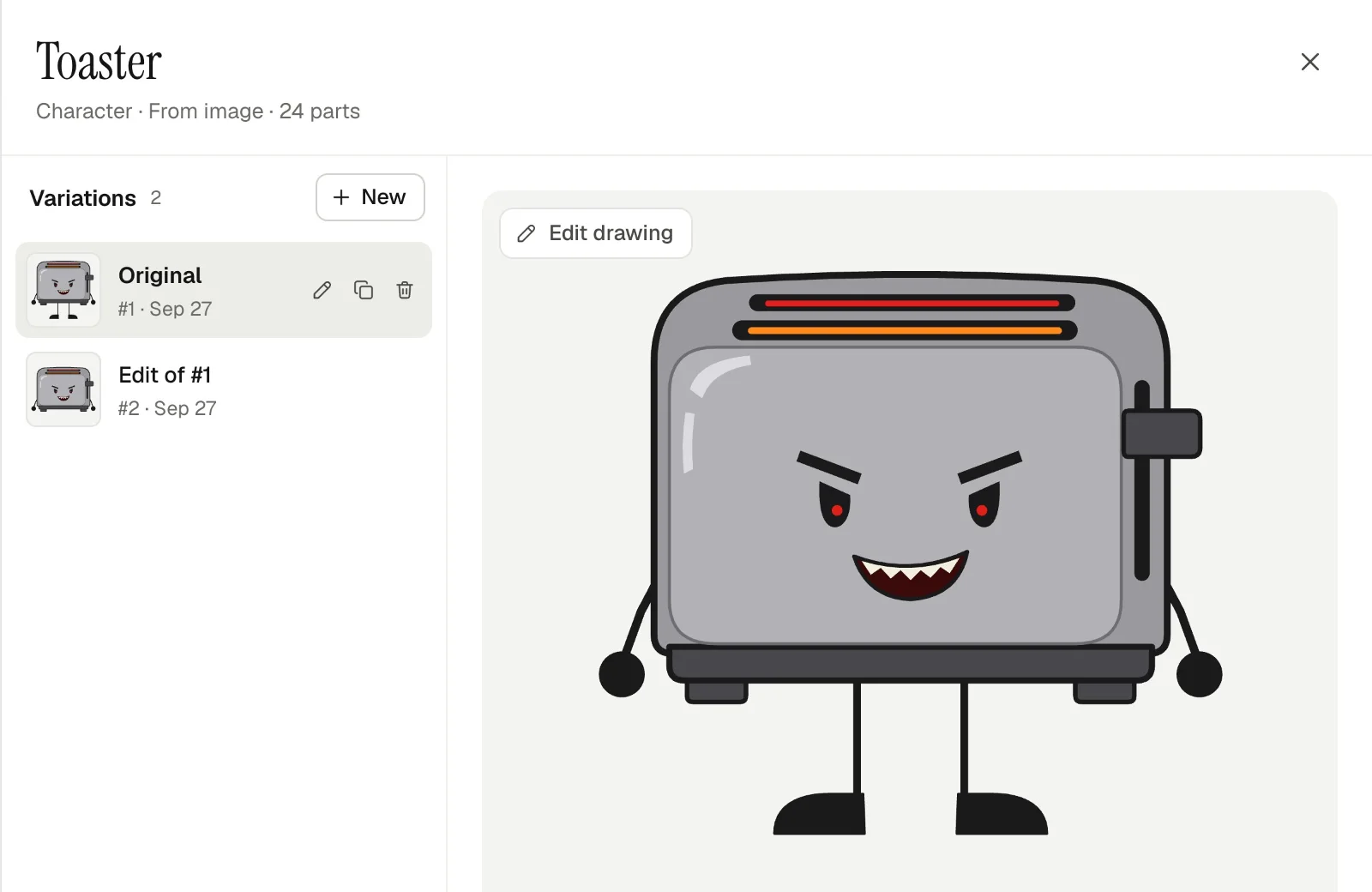
A toaster character's drawer listing its variations

Library & variations

Characters, props, backgrounds, sounds and groups in one searchable library. Keep variations of anything side by side and swap them in a scene.

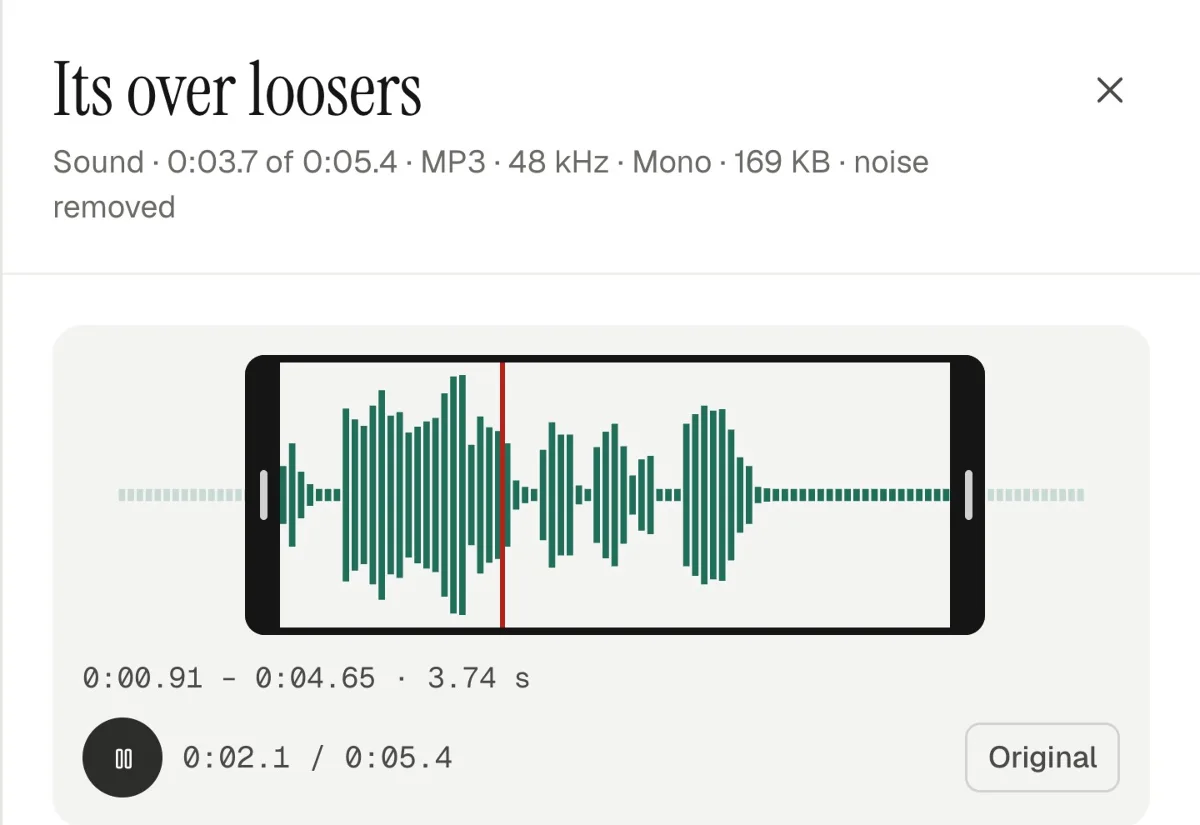
A voice line's waveform trimmed between two bars, playing

Sound editing

Trim, split, set volume and speed, fade in and out, and take out background hiss in one click. Music and effects sit on their own layers.

A soda can character being rotated on the stage with its transform handles

Free transform

Move, scale, rotate and flip one object or a whole selection. Skew it, add perspective or warp it with a 3 × 3 grid.

Scenes & camera

Tell the story scene by scene. Duplicate a scene to carry on exactly where the last one ended, and move the camera with keyframes.

Groups like movie clips

Select frames and press Group: they become a group with a timeline of its own that plays by itself. Reuse it as often as you like.

Color effects

Opacity, brightness and tint on any object or part, and they tween between keyframes like everything else.

Masks

A mask layer shows only what’s inside its shapes. Masks move, tween and warp like everything else.

Shape tweens

Reshape a brow or a flame on any frame of an animation. The frames in between morph from one shape to the other.

Export 1080p

Render your scenes back to back as an MP4 (H.264 with AAC sound) at 720p or 1080p. It downloads by itself when it’s ready.

Plus autosave, undo and redo on everything, and the keyboard shortcuts you already know.

How it works

From an empty scene to a finished short.

  1. 1

    Build your cast

    Draw characters and props with the vector tools and give them pivots. Bring in your backgrounds and sounds. It all lives in the project’s library.

  2. 2

    Stage and animate

    Drag them into a scene, pose them, key them, tween them and drop in voice lines. Play it back any time.

  3. 3

    Export and share

    Render the scenes as one 1080p MP4 with sound, ready for YouTube, Reddit or your portfolio.

Made in Animperia

Once Upon A Kitchen

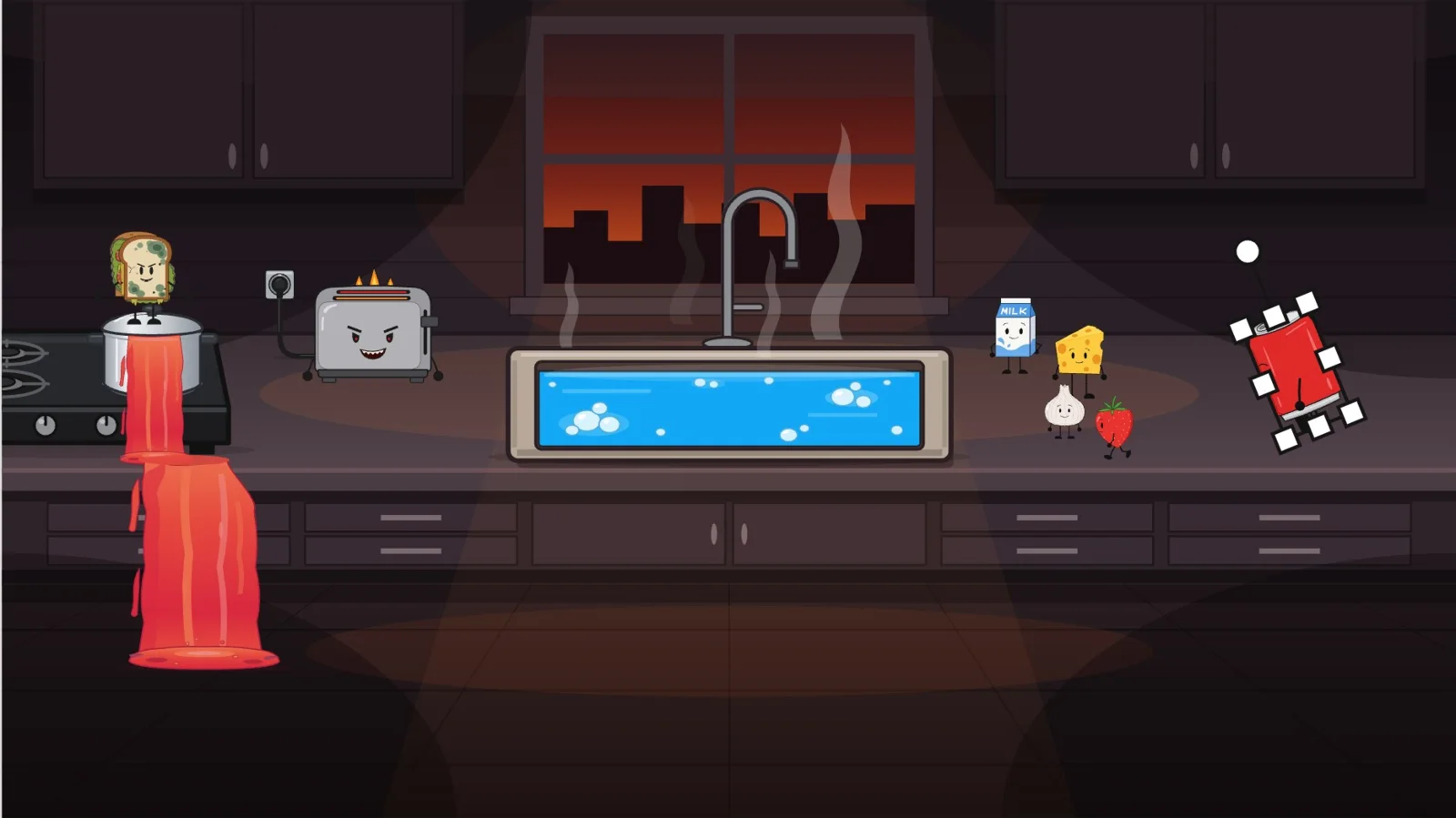
Two scenes, a cast of kitchen characters, lip-synced voice lines and camera moves, all made and exported in Animperia.

Make yours

What’s included

The whole studio, from day one of the beta.

Beta testers get the full editor and a direct line to the people building it. What you tell us shapes what comes next.

  • The full editor: stage, library and timeline
  • Vector drawing tools, from the pen to the fill bucket
  • Pivots and bones for the characters you draw
  • Frame-by-frame animation with onion skin
  • Motion tweens, shape tweens, masks and groups
  • A camera you can keyframe
  • Your own sketches and paintings as backgrounds
  • Sounds, character voices and automatic lip sync
  • Audio trimming, splitting and noise removal
  • 720p and 1080p MP4 export
  • An optional AI assist for simple animations
  • Early access to new tools as they land

Beta

Sign up for the beta.

Be one of the first to animate with Animperia. Leave your email and we’ll send your invite as soon as your spot opens.

FAQ

Questions, answered.

Do I need to install anything?

No. Animperia runs in your web browser. Open it and start animating; your work saves itself as you go.

What can I bring in?

Your sketches and paintings as backgrounds (PNG, JPG or WebP), and sounds in MP3, WAV, OGG, M4A/AAC, FLAC or WebM for music, effects and voice lines. Characters and props you draw right in Animperia, with the vector tools.

Do I have to use AI?

No. You can draw, rig, pose and animate everything by hand. The AI assist is an optional shortcut for simple moves, like a walk or a blink, when you’d rather save the time.

What does it export?

An MP4 video (H.264 with AAC sound) at 720p or 1080p: the scenes you pick, back to back, through their cameras, with the sound mixed in.

When do I get in?

We’re inviting beta testers in small groups. Sign up and we’ll email you as soon as your spot opens.