Animperia, a Cartoon Animator alternative in your browser
Updated
Cartoon Animator, which Reallusion called CrazyTalk Animator until 2019, is built for making talking cartoon characters fast: ready-made characters and motions, head turns, motion capture from your face and body, and lip sync from a voice file. If you’re looking for something else, it’s often for one of two reasons: you’re on a Mac, where Cartoon Animator 5 doesn’t run, or you want to draw your own characters and animate them on a real timeline.
Animperia is a 2D animation studio in your web browser. You draw your characters, or bring them in as SVG, give them bones, pose them, animate them on a timeline of keyframes and tweens, and drop voice lines on them to make them talk. It runs on Windows, Mac and Linux, and it’s free during the beta.
The honest difference: Cartoon Animator gives you a large library to start from and motion capture to perform with. Animperia gives you neither. It suits people who want to make the characters themselves.
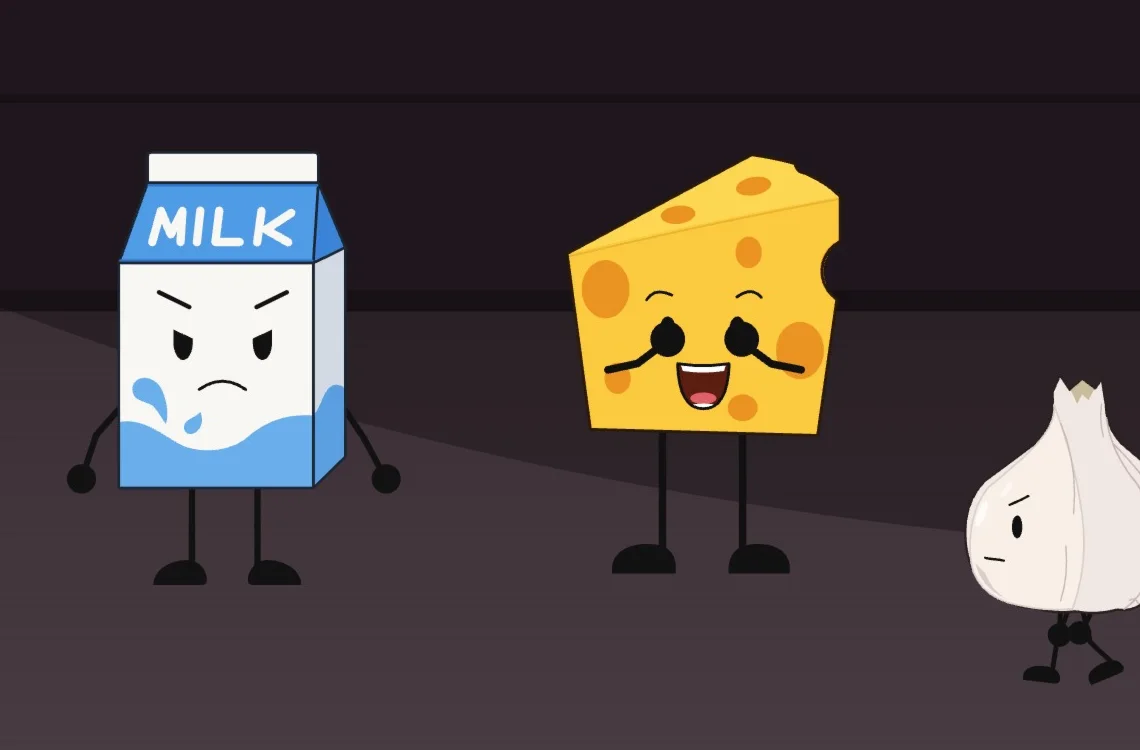
Cartoon Animator in October 2026
As of 11 October 2026, Reallusion sells Cartoon Animator 5, with features labeled up to version 5.3 on its product page (Reallusion).
- Windows only. Reallusion’s download page offers it for 64-bit Windows, from Windows 7 to 11 (Reallusion). Reallusion stopped making a Mac version when Cartoon Animator 5 came out, because many motion capture devices don’t support macOS, and said Cartoon Animator 4 for Mac would get no further upgrades (Reallusion knowledge base, 2022).
- Two ways to pay. A perpetual license, often on sale, with the current price on Reallusion's store (Reallusion store), or, since 6 January 2026, a Cartoon Animator 365 subscription billed yearly or monthly (Reallusion Magazine; Reallusion store).
- A 30-day trial, which adds a watermark and allows five project saves (Reallusion).
The name changed with version 4: CrazyTalk Animator became Cartoon Animator in 2019 (AWN).
What will feel familiar
Much of the way you think about a cartoon character carries over, even where the tools differ.
| In Cartoon Animator | In Animperia |
|---|---|
| Characters with bones | Characters made of parts that hang from each other, joined with the Bone tool (M) |
| Posing by dragging hands and feet | Pivots: drag a wrist or an ankle and the whole limb bends |
| Lip sync from an audio file | Drop a voice line on a character, and its mouth follows the words |
| Mouth and hand sprites you switch | Eight mouth shapes per character that you can redraw, and variations of a whole character to swap in a scene |
| Motion clips you apply and combine | A character’s animations (a walk, a blink, a wave), played as clips on the timeline. Several play at once |
| Props and scenes | Static objects, backgrounds and scenes in the Library |
| The timeline with keys | Keyframes and motion tweens, with easing |
| The camera | A Camera layer you pan, zoom and turn with keyframes |
| SVG characters from Illustrator or Affinity Designer | SVG file import, where the file’s groups become the character’s parts |
| Transparent video export | See-through MOV (ProRes 4444) and WebM, and a green-screen MP4 |
Cartoon Animator’s column follows Reallusion’s product page and manual, checked on 11 October 2026.
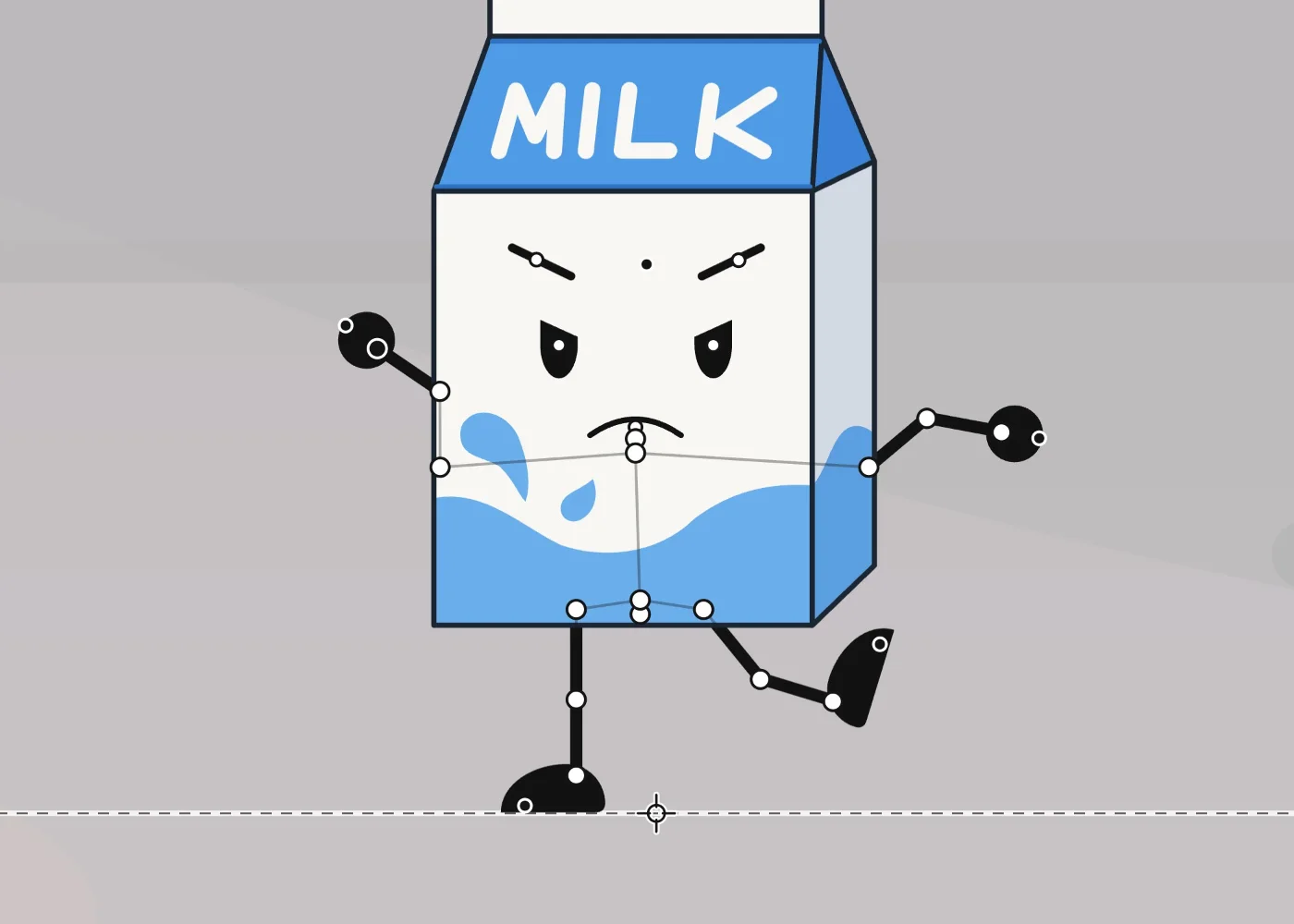
Cartoon Animator and Animperia side by side
| Cartoon Animator 5 | Animperia | |
|---|---|---|
| Where it runs | An app for Windows (Reallusion) | A web browser on a Windows, Mac or Linux computer |
| Price | A perpetual license, or a Cartoon Animator 365 subscription (prices on Reallusion's store) | Free during the beta |
| Characters | A library of ready-made characters, props and motions, with over 1,700 free resources and a content store (Reallusion) | Characters you draw or import as SVG |
| Bringing art in | SVG, and PSD in and out | SVG for characters and objects, and pictures (PNG, JPG or WebP) as backgrounds |
| Performing | Face and body motion capture, with device profiles sold separately (Reallusion store) | Posing with pivots and keyframes, by hand |
| Head turns | 360 head creation | Drawn by hand: a head reshaped or redrawn frame by frame in an animation |
| Lip sync | Generated from audio | From a voice line, in English or any other language, with mouth shapes you can redraw and voices of your own |
| Export | MP4, MOV, AVI and WMV video, GIF and image sequences (Reallusion manual) | MP4 at 720p or 1080p, green-screen MP4, see-through MOV and WebM, GIF and PNG images |
What Animperia doesn’t do (yet)
As of 11 October 2026, Animperia has:
- No library of ready-made characters or motions. You start from your own drawings or SVG files.
- No motion capture. There’s no face tracking with a webcam and no body capture: you pose and keyframe.
- No 360 heads. To turn a head, you reshape it or redraw it frame by frame.
- No PSD or bitmap characters. Characters are vector drawings, and pictures can be backgrounds.
- No recording in the app. Record your voice lines in another app and upload them, as MP3, WAV, OGG, M4A, FLAC or WebM files.
- No offline mode, and no phones or tablets. It needs an internet connection and a computer’s browser.
If you’d rather not draw a character from scratch, an optional helper can draw a starting character from a description or a picture. It’s optional: everything can be done by hand.
How to bring your characters over
Animperia can’t open Cartoon Animator projects or characters, so the bones, sprites and motions stay there. SVG artwork comes over:
1. Start from your SVG files. If you built characters from SVG in Illustrator, Affinity Designer or CorelDRAW, those files import into Animperia as they are. For an SVG-based character or prop in Cartoon Animator, Composer mode can send it to your vector editor (Reallusion manual), where you can save a copy as SVG. Only bring over art you have the rights to use.
2. Import it as a character. In the library, click +, pick Object, and on the Hands-on tab choose SVG file. Tick This is a character: each group becomes a part that turns where it meets the one it hangs from.
3. Check the bones. In the drawing editor, the Bone tool (M) hangs one part from another and moves its joint. Turn on Pivots and run the Wiggle test.
4. Give it a mouth and a voice. A part named Mouth can talk. Draw its eight mouth shapes by hand under Mouth shapes, or keep the plain ones. Upload a voice line with + and Sound, then drag it onto the character.
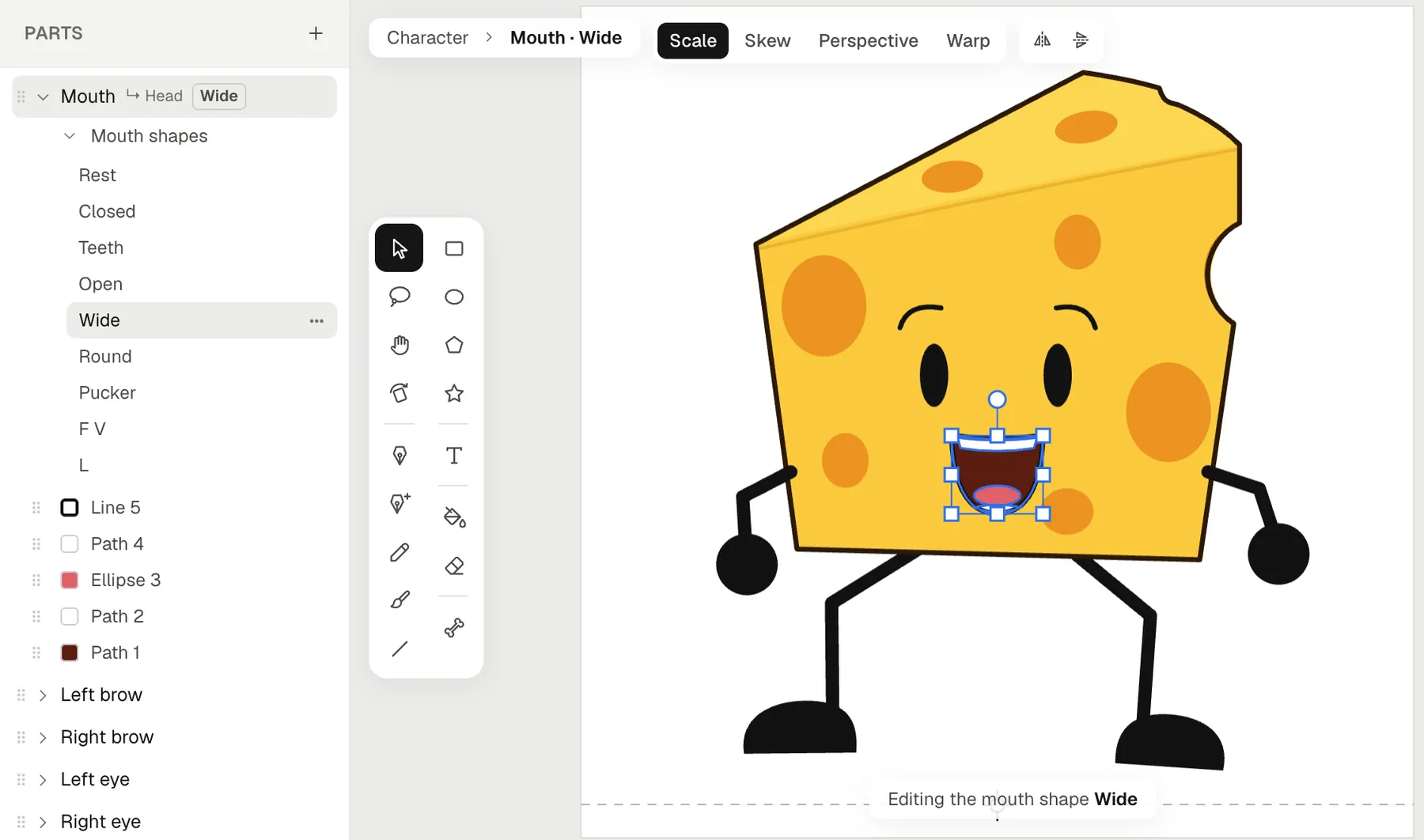
5. Animate and export. Keep its moves as animations, place it in a scene, key and tween it, and export a video, a GIF or a see-through clip.
Questions from Cartoon Animator users
Is there a Cartoon Animator for Mac?
Not for version 5: Reallusion makes it for Windows only, and Cartoon Animator 4 for Mac gets no more upgrades (Reallusion knowledge base). Animperia runs in a browser on a Mac, as on Windows and Linux. We test it in Google Chrome.
Is there a free alternative to Cartoon Animator?
Animperia is free during the beta. You sign up with your email, and while the beta has room, you get a link to set your password and start right away.
Can I make talking characters without motion capture?
Yes. Drop a voice line on a character and its mouth follows the words, on the stage, while you scrub and in the export. Give each character a voice of its own, from twelve ready-made voices such as Squeaky, Giant or Robot, and one recording comes out differently from each.
Do I need to know how to draw?
It helps, but the shapes can be simple: rectangles, ellipses and the pen make clean cartoon characters, and the Fill bucket colors them in. You can also start from any SVG you’re allowed to use.
Do I have to use AI?
No. You can draw, rig, pose and animate everything by hand. The AI helpers are optional.
About this comparison
This page compares Animperia as it is on 11 October 2026 with Cartoon Animator as Reallusion and the sources linked above describe it. If you want to make talking cartoons on any computer, sign up for the beta: it’s free during the beta.
Reallusion, Cartoon Animator and CrazyTalk are trademarks of their owner. Animperia isn’t affiliated with or endorsed by Reallusion.