Make an animation online, with your own characters
Updated
Animperia is an online animation maker for making your own animation. You draw your characters or bring them in, rig them, pose and move them on a timeline, give them voices, and export a video, all in a browser tab. It's free during the beta.
It's an animation studio, not a template video maker. There are no ready-made explainer templates, no stock characters and no scene presets to fill in: every character and every move is yours. That's the right tool for some people and the wrong one for others, so this page starts with the difference.
Three kinds of animation maker
"Animation maker" covers very different tools. Here's how they compare, with the template tools' own descriptions as of 11 October 2026.
| Kind | Examples | How you make something | Who it suits |
|---|---|---|---|
| Template video makers | Powtoon, Vyond, Animaker | Pick a template, swap in your text, drag in ready-made characters and props | Marketing, training and explainer videos, made fast, without drawing |
| Frame-by-frame drawing apps | FlipaClip on phones and tablets, Brush Ninja in a browser | Draw every frame, like a flipbook | Sketchy loops, hand-drawn shorts, learning how motion works |
| Animation studios | Adobe Animate on a desktop, Animperia in a browser | Draw characters once, rig them, then animate them with keyframes, tweens, a camera and sound | Cartoons, series, object shows and anything with characters you design |
Template tools are good at what they promise. Powtoon offers hundreds of animated video templates and a library of ready-made characters (Powtoon). Vyond is aimed at businesses, with a template library of styles, settings, characters and props (Vyond). Animaker advertises thousands of templates and a character builder (Animaker). If you need a company explainer by Friday and nobody on the team draws, one of those is the faster route.
If you want a cartoon that looks like yours, with characters nobody else has, that's what an animation studio is for. Animperia is one that runs in a browser.
How you make an animation in Animperia
1. Start a project
Name it and pick a canvas: Landscape 16:9 for YouTube and most screens, Portrait 9:16 for Shorts, TikTok and Reels, or Square 1:1. Pick a frame rate too, from 12, 24, 25 or 30 fps.
2. Make your characters
Draw a character in the drawing editor with the pen, pencil, brush, shapes and fill bucket, or bring one in as an SVG file from Illustrator, Inkscape or Figma. Then give it parts that move. Make as body part turns a group into an arm or a head, and the Bone tool joins parts where they turn. With Pivots on, drag a wrist and the whole arm follows.
Each character keeps its own moves: a walk, a wave, a blink, posed frame by frame with the onion skin, or drawn frame by frame with the brush.
3. Build a scene
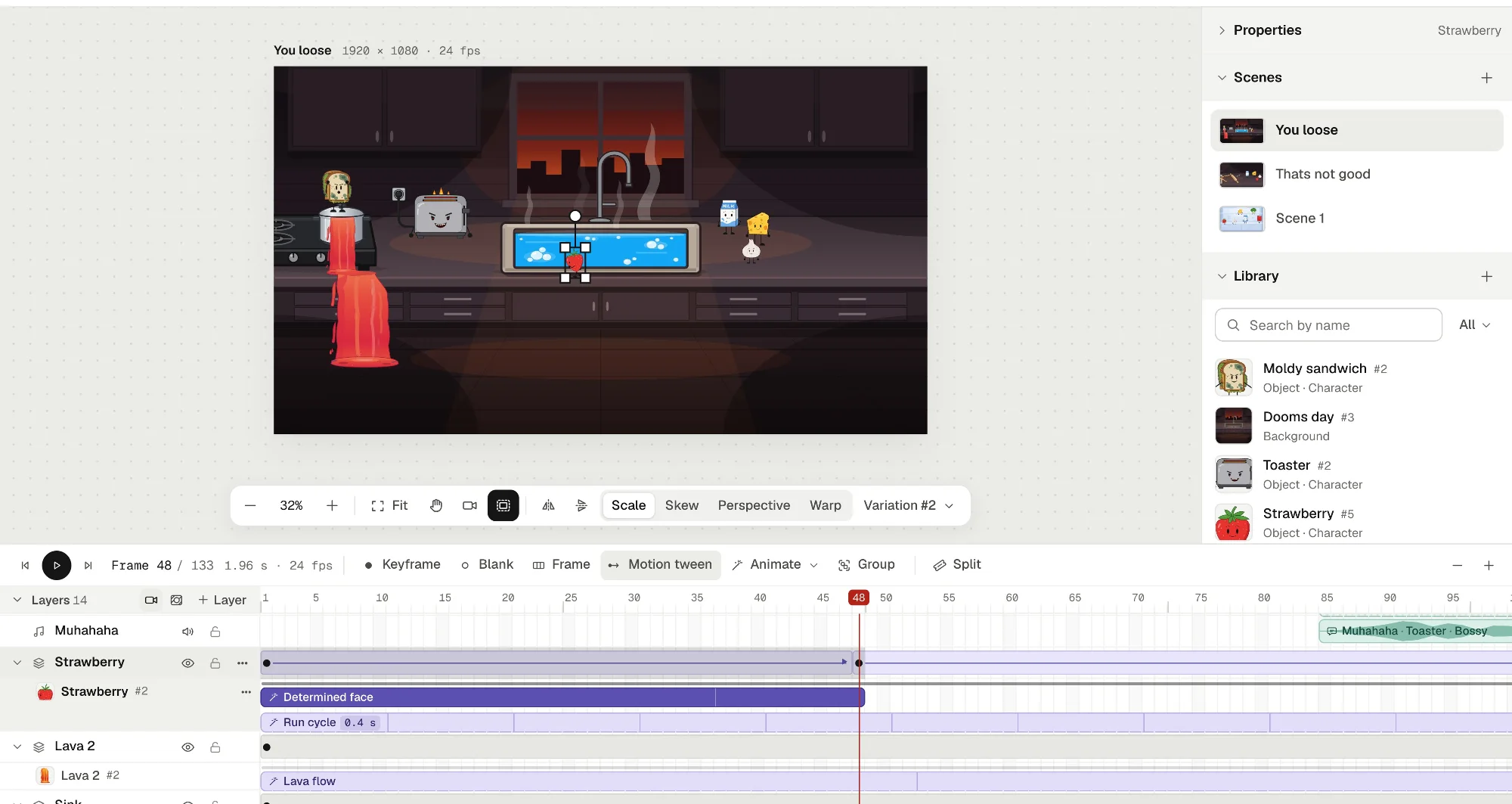
Drag characters, props and backgrounds from the library onto the stage. Upload your own pictures (PNG, JPG or WebP) as backgrounds. Each thing sits on a layer of the scene's timeline.
4. Animate it
Play a character's moves as clips on the timeline, and combine them, so a character walks and blinks at once. Move things across the scene with keyframes (F6) and motion tweens, easing in and out. Add a camera to pan, zoom and cut, masks to hide and reveal, and groups that play like little films of their own.
5. Give it a voice
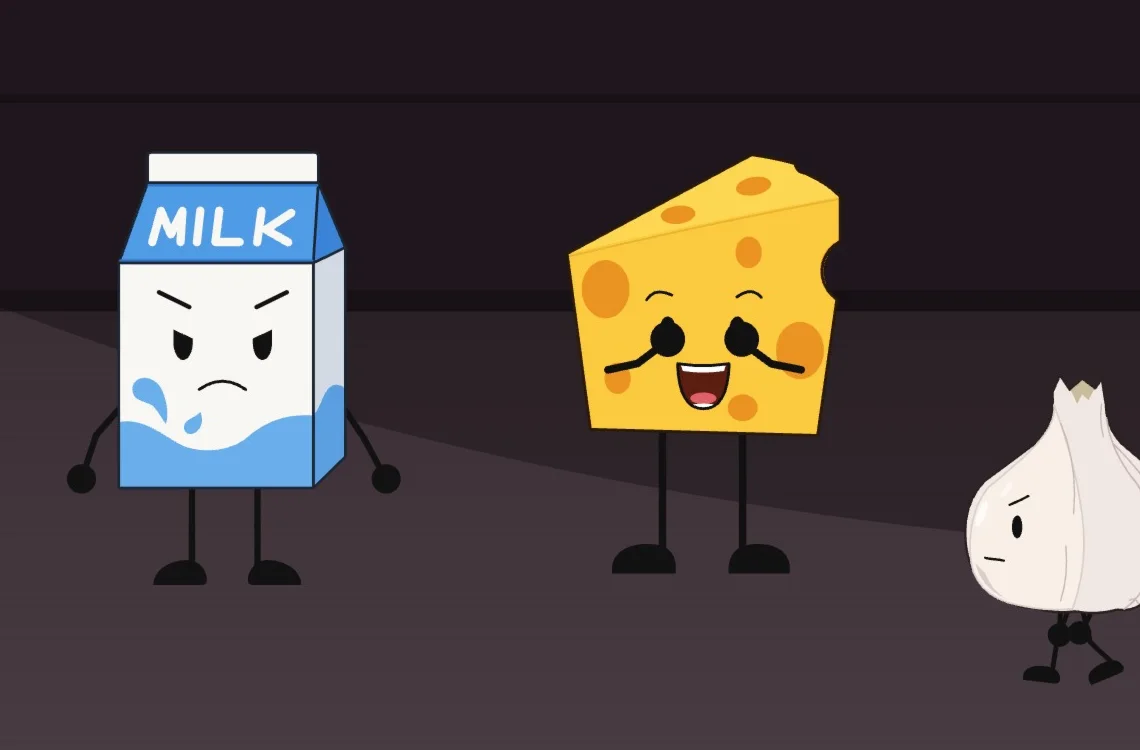
Upload a voice line, drag it onto a character, and its mouth follows the words. Music and sound effects go on sound layers, and you hear them as you scrub through the frames.
6. Export
Click Export and pick what to make: an MP4 at 720p or 1080p with the sound mixed in, a GIF, PNG images, or a see-through video to use in another editor. The file downloads by itself when it's ready, with no watermark. See animated YouTube Shorts, cartoon GIFs and transparent backgrounds for the details.
What Animperia doesn't do
As of 11 October 2026:
- No templates or stock characters. There's no library of ready-made scenes or characters to pick from.
- No finished videos from a script. It doesn't turn text into a video. You make the animation.
- No phones or tablets. It's made for a desktop browser on Windows, Mac or Linux, and we test it in Google Chrome.
- No offline work. It needs an internet connection.
- No interactive output. It makes videos, GIFs and images, not games, buttons or HTML5 animations.
Questions
Is it free?
Yes, during the beta. You need an account, made with your email, and exports have no watermark. More in free 2D animation software in your browser.
Do I need to be good at drawing?
No. Simple shapes make good characters: plenty of cartoons are built from circles, rectangles and thick outlines, and Animperia's rectangle has rounded corners you can set one by one. You can also draw in another app and import the SVG.
Do I have to draw every frame?
No. Pose a character on a few keyframes and let tweens fill in the frames between them, or reuse the same walk or blink in every scene. Draw frame by frame only where you want to.
Can I make an explainer video with it?
You can, if you draw your own characters and props. If you need a template and stock characters to finish in an hour, a template video maker will be quicker.
How long can an animation be?
A scene's timeline holds up to 10,000 frames, about 7 minutes at 24 fps, and an export plays as many scenes as you tick, back to back.
Sign up for the beta to make your first animation. While the beta has room, you get a link to start right away.
Adobe is either a registered trademark or a trademark of Adobe in the United States and/or other countries. Animperia isn't affiliated with or endorsed by Adobe, Powtoon, Vyond, Animaker, FlipaClip or Brush Ninja.